SMS & compliance
A2P 10DLC Registration Explained for Small Businesses
Short answer
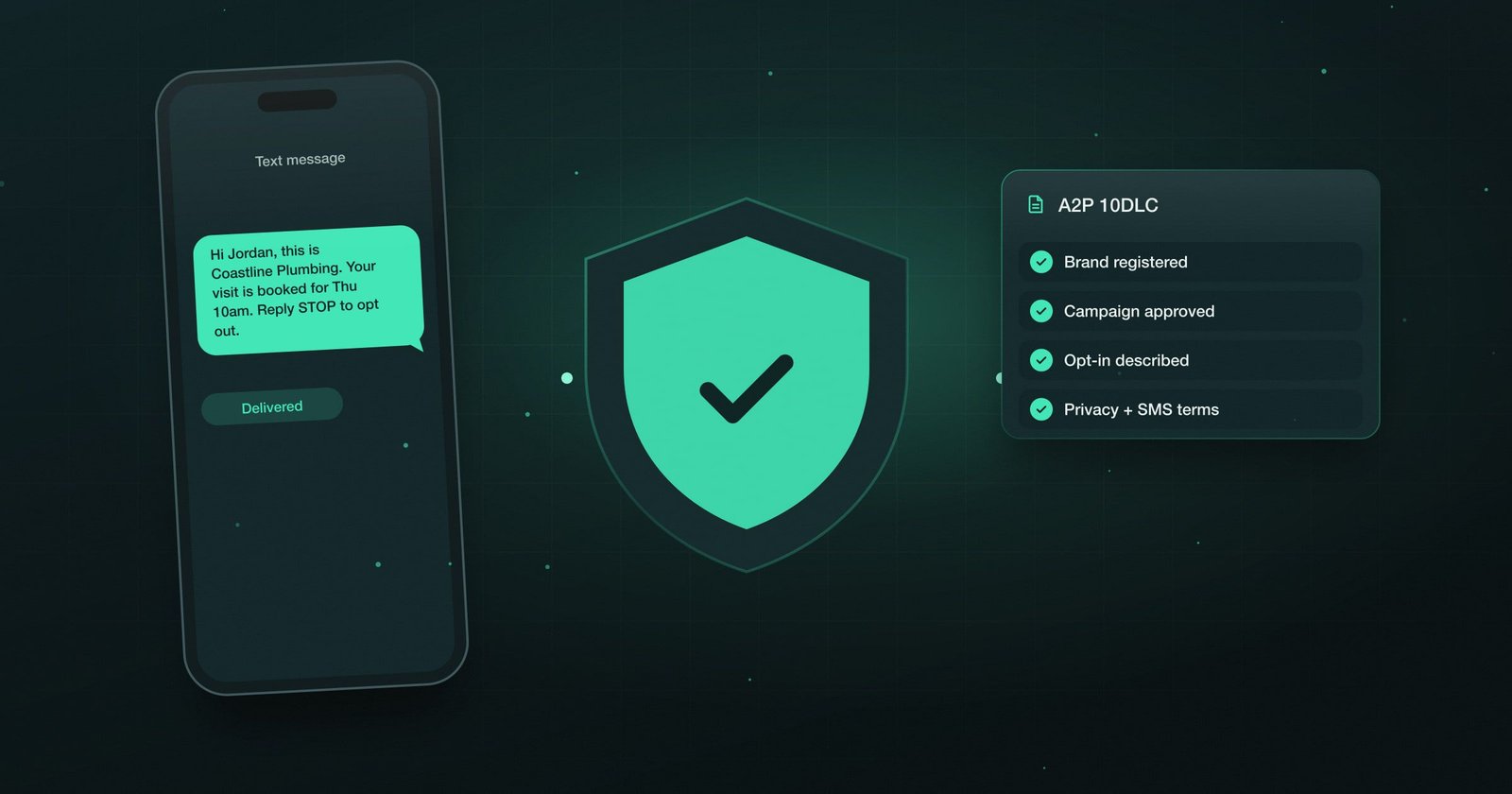
A2P 10DLC is the US system for registering businesses that send text messages from regular 10-digit local numbers. You register your brand (business details) and a campaign (what you text people and how they opted in). Without approval, US carriers may block or filter your texts. Approval depends on accurate business details, a clear opt-in, sample messages and a website with matching privacy and SMS terms.
You’ve set up GoHighLevel, built your follow-up texts, and tested them. Then you notice that messages to US phones aren’t arriving, or show as “failed” or “undelivered”. Nine times out of ten, the cause is A2P 10DLC.
This guide explains what it is, what you need, and how to avoid the rejections I see most often. It’s practical guidance, not legal advice. Rules and portal steps change, so always check your SMS provider’s current requirements.
What is A2P 10DLC?
- A2P means application-to-person: texts sent by software (like your CRM) to people.
- 10DLC means 10-digit long code: a normal local US phone number.
US mobile carriers require businesses that send A2P texts from 10-digit numbers to register. The registration goes through a central registry, and carriers use it to decide which traffic to trust. Unregistered or poorly registered traffic can be filtered, blocked or charged at higher rates.
Who needs to register?
In practice, if you:
- send texts to US phone numbers,
- from a US local number,
- through a platform like GoHighLevel (LC Phone), Twilio or similar,
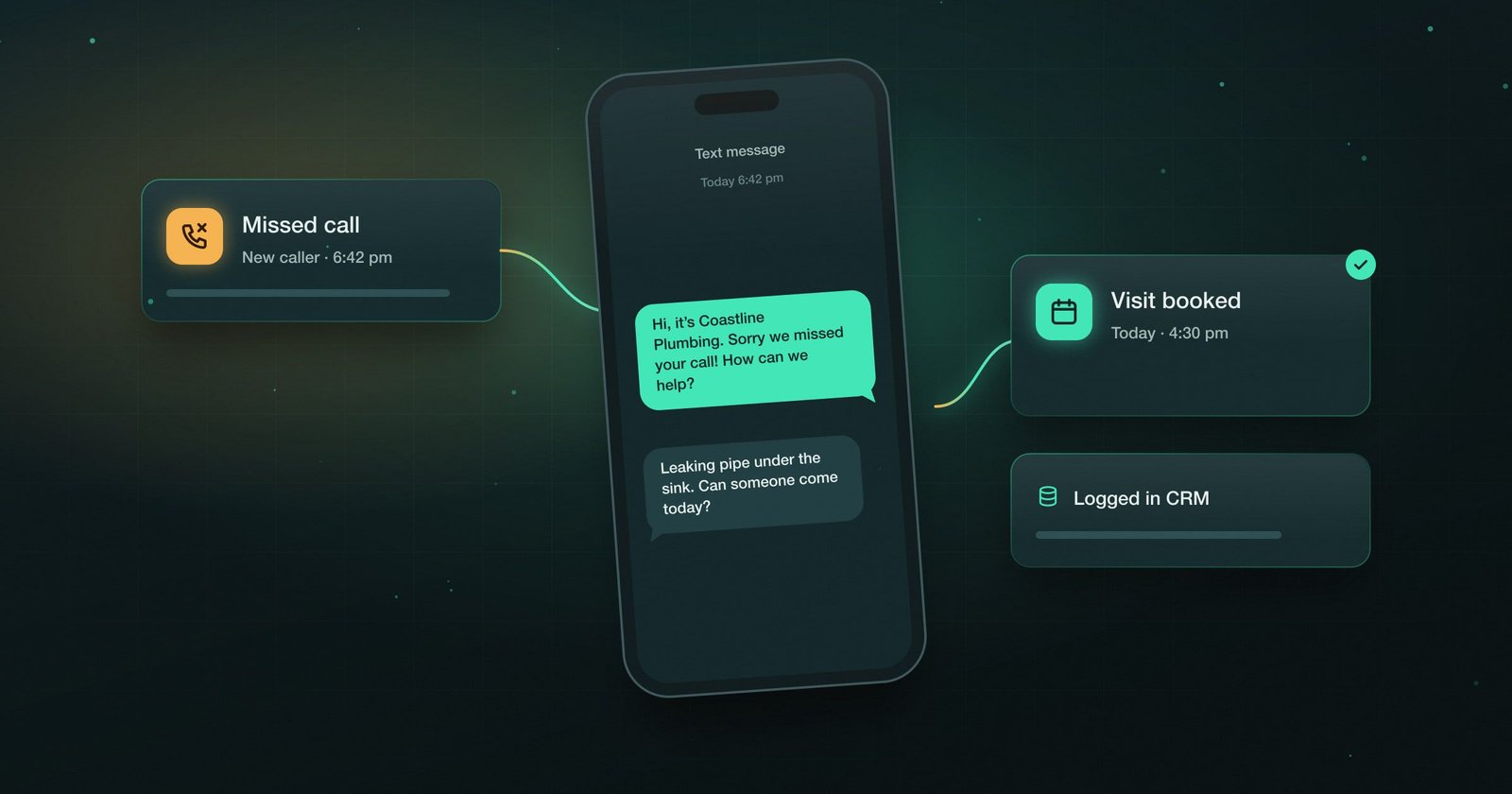
then you need A2P 10DLC registration. That includes appointment reminders, missed call text-back and follow-up sequences, not just marketing blasts.
What are the two parts of registration?
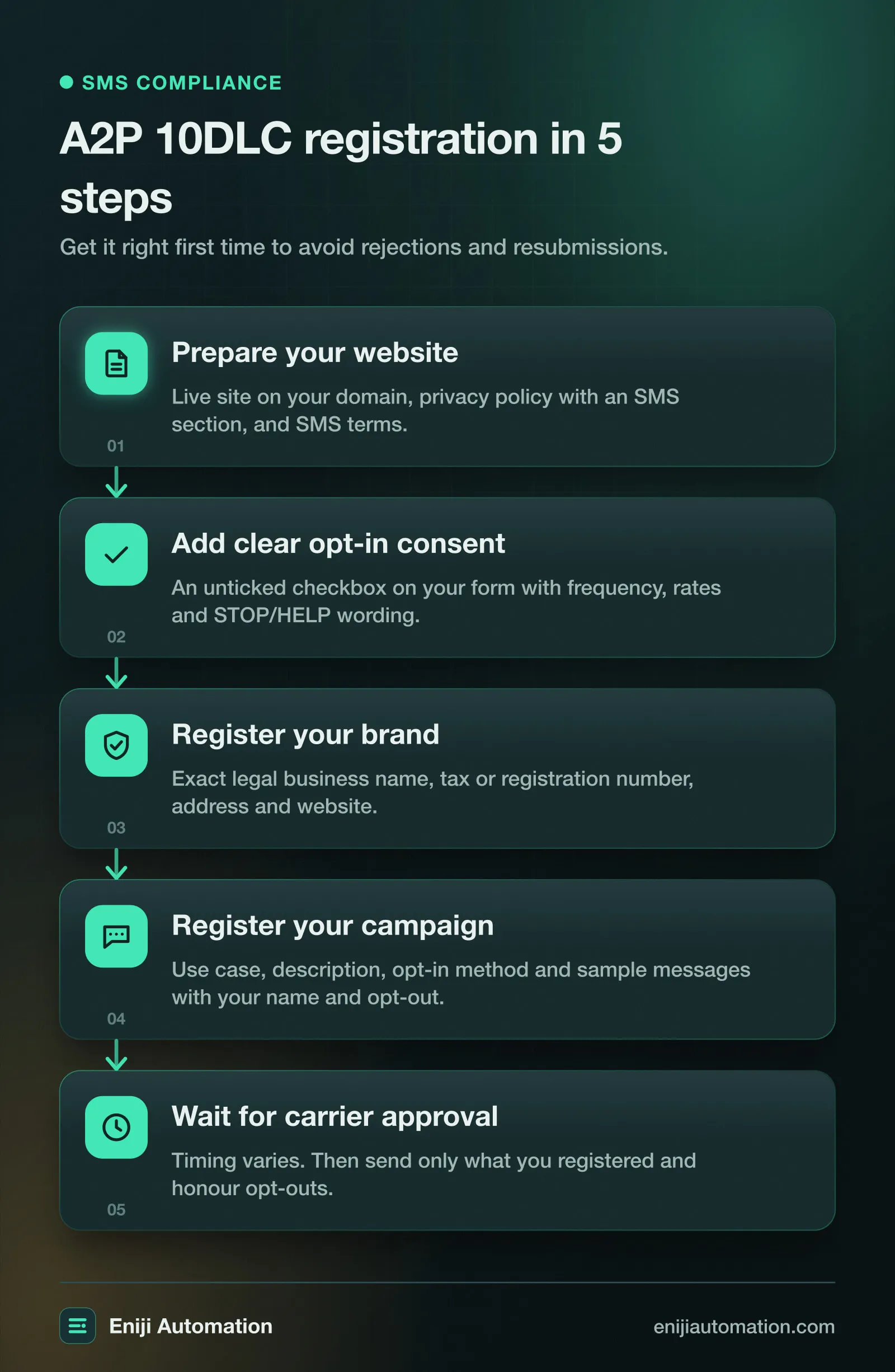
The A2P 10DLC process, from website prep to carrier approval.
1. Brand registration
This identifies who you are. You’ll provide:
- your legal business name, exactly as it appears on official records;
- your business type and tax or registration number (for example an EIN in the US);
- your business address, website and contact details.
2. Campaign registration
This describes what you send and why people get it. You’ll provide:
- the use case (for example customer care, appointment reminders, marketing, or mixed);
- a description of your messages;
- sample messages, usually two or more;
- how people opt in (the “call to action”), for example a website form with a consent checkbox;
- your opt-out and help keywords and replies (STOP, HELP).
What do you need before you start?
Have these ready. It makes approval much more likely:
- A live website on your own domain that matches your business name.
- A privacy policy that says you don’t share or sell mobile numbers or SMS consent with third parties for marketing.
- SMS terms (often a section in your terms of service) covering message frequency, “message and data rates may apply”, how to opt out and how to get help.
- A form with clear consent, for example an unticked checkbox: “I agree to receive text messages from [Business] about my inquiry. Message frequency varies. Msg & data rates may apply. Reply STOP to opt out, HELP for help.”
- Sample messages that include your business name and opt-out wording.
What do good sample messages look like?
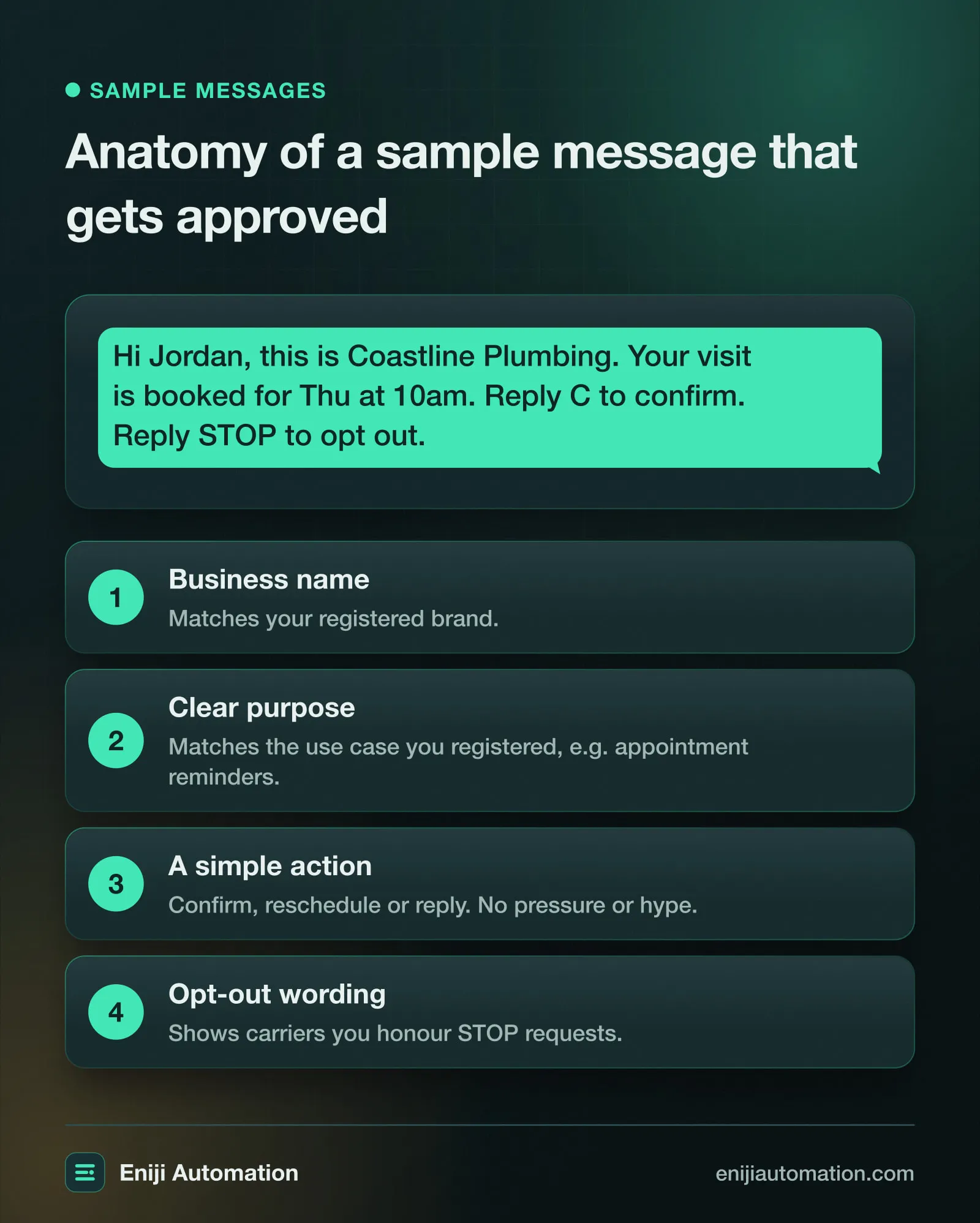
What carriers look for in your A2P sample messages.
Weak sample:
“Hey! Check this out: [link]”
Strong sample:
“Hi Jordan, this is Coastline Plumbing. Your visit is booked for Thu at 10am. Reply C to confirm or call us to change. Reply STOP to opt out.”
The strong version names the business, has a clear purpose and shows the opt-out.
Why do registrations get rejected?
The issues I fix most often:
| Problem | Fix |
|---|---|
| Business name or tax ID doesn’t match official records | Use the exact legal name and number |
| Website is missing, broken or doesn’t match the brand | Use a live site on your own domain |
| No privacy policy, or it doesn’t mention SMS | Add a clear SMS and mobile data section |
| Opt-in isn’t described or isn’t visible | Describe exactly where and how people consent, with a screenshot or URL |
| Sample messages lack business name or opt-out | Rewrite samples to match the examples above |
| Use case doesn’t match the samples | Pick the use case that fits what you really send |
| Using a free email address | Use an email on your business domain |
What happens after approval?
- Send what you registered. If you registered reminders and start sending promotions, you risk filtering.
- Honour opt-outs immediately. GoHighLevel handles STOP automatically when set up correctly. Don’t re-add people who opted out.
- Watch delivery reports. Spikes in failures can mean filtering. Check message content and links.
- Keep content clean. Avoid URL shorteners from public services, excessive capitals and spammy wording.
Do you need help with A2P?
If your texts aren’t delivering, or your campaign has been rejected, it’s usually fixable. Getting A2P approved and fixing SMS sending issues is a common part of our GoHighLevel setup and support. I’ll review your brand and campaign details, website wording, opt-in and samples, then resubmit. Approval itself is decided by the carriers and registry, so I can’t promise timing, but I can make sure the submission is as clean as possible.
Once texts are delivering, set up missed call text-back so no caller goes unanswered.