GoHighLevel
Missed Call Text-Back in GoHighLevel: Setup Guide
Short answer
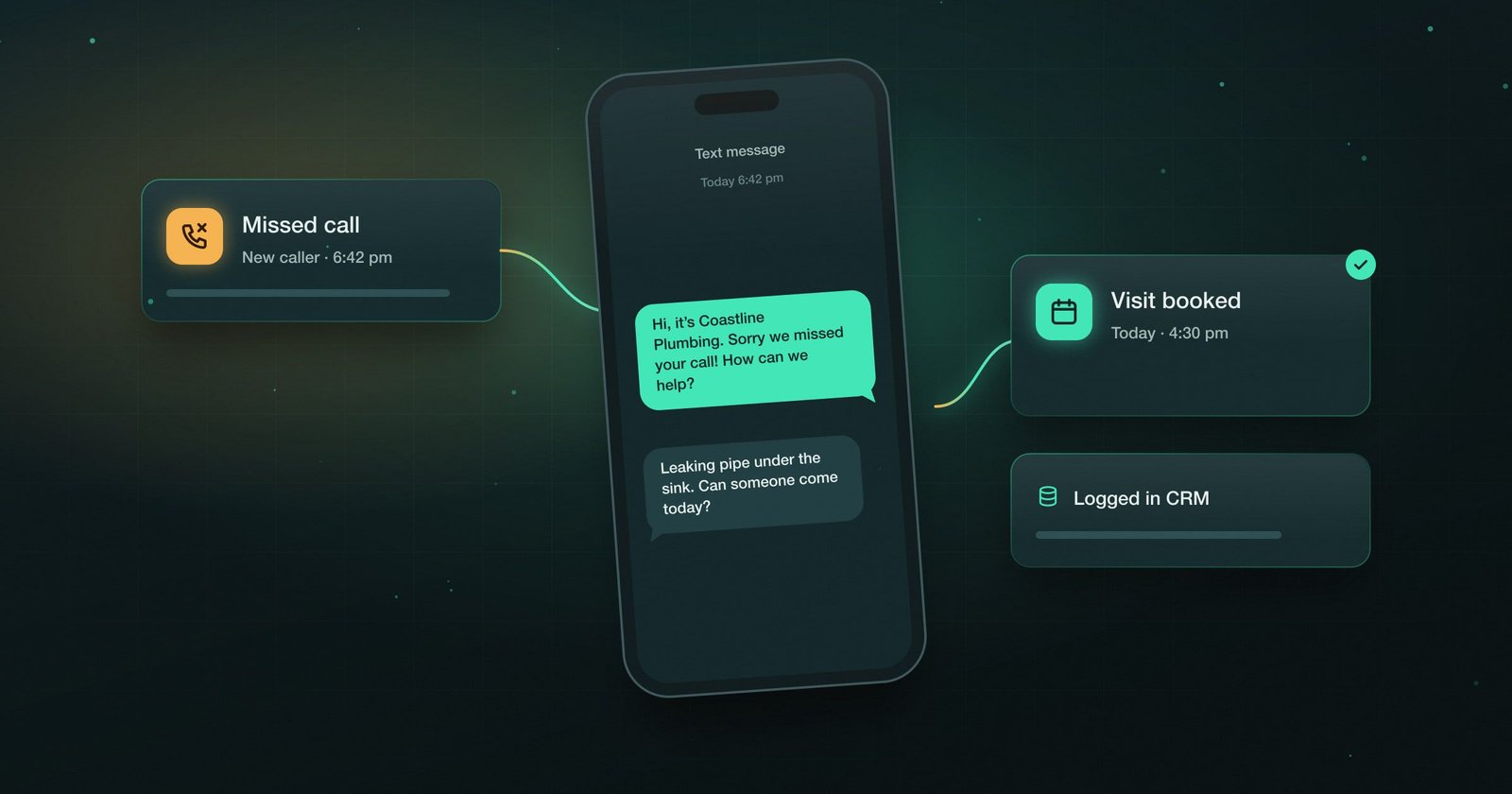
Missed call text-back automatically sends a text message to anyone whose call you didn't answer, usually within seconds. In GoHighLevel you build it as a workflow: a call-status trigger for missed or unanswered calls, a short SMS that offers to help or book, and a task or alert for your team. It turns a lost call into a text conversation.
When someone calls your business and nobody picks up, most people don’t leave a voicemail. They call the next business on the list. Missed call text-back fixes that by starting a text conversation straight away, so the lead stays with you.
This guide explains how it works, how to set it up in GoHighLevel, what to write, and the mistakes I see most often when I fix existing setups.
What is missed call text-back?
Missed call text-back is an automation that sends an SMS to a caller when their call isn’t answered. The caller gets a message like:
“Hi, this is Sam from Coastline Plumbing. Sorry we missed your call! How can we help? You can also book a time here: [link]”
Instead of a dead end, the caller now has a conversation they can reply to on their own time. For busy owners and teams who spend the day on jobs or with clients, it is one of the simplest automations with a clear payoff.
Why does it work?
It works because texting is easier than calling back:
- The caller doesn’t have to try again. The next step comes to them.
- It shows you’re responsive. A quick, friendly message builds trust before you’ve even spoken.
- It moves the lead into your CRM. The contact, the call and the conversation are all logged in one place.
- Your team can reply when they’re free. Texts are easier to fit between jobs than phone calls.
How do you set up missed call text-back in GoHighLevel?
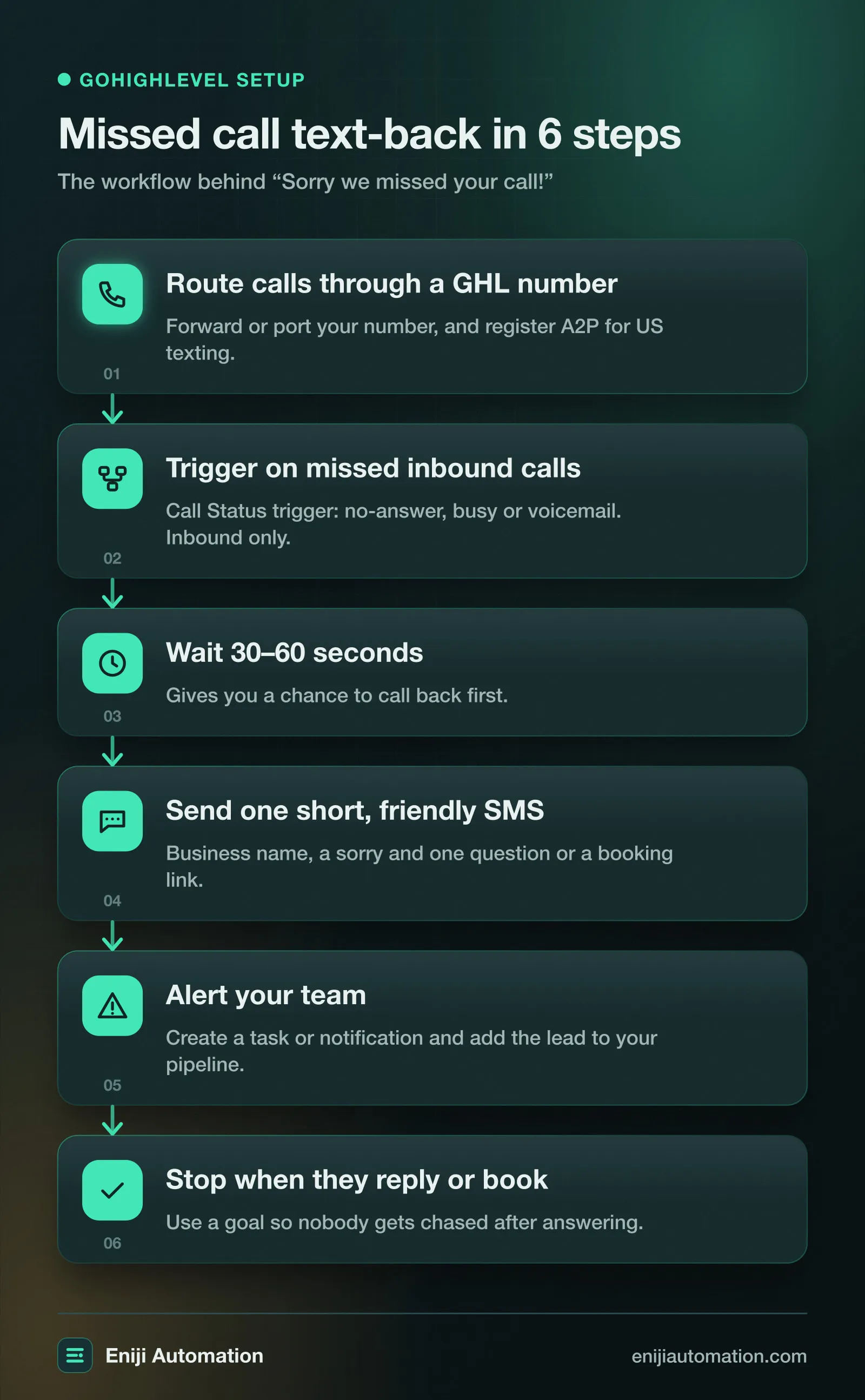
The six-step missed call text-back setup in GoHighLevel.
GoHighLevel menu names change from time to time, but the logic stays the same. Here is the setup I use.
1. Make sure calls come through a GHL number
The automation only sees calls that reach a GoHighLevel (LC Phone or Twilio) number. Either:
- Forward your main business number to your GHL number, or
- Port your number into GoHighLevel, or
- Use the GHL number on your website, Google Business Profile and ads.
For US numbers, complete A2P 10DLC registration before you go live. Unregistered texts are often blocked or filtered by carriers. I explain this in A2P 10DLC registration explained.
2. Create the workflow
In Automation → Workflows, create a new workflow and add a Call Status trigger. Filter it to the statuses that mean “we didn’t talk”, such as no-answer, busy and voicemail. Only include inbound calls.
3. Add a short wait (optional)
Add a wait step of 30–60 seconds. This gives you a chance to call back first, and the text feels less robotic.
4. Send the SMS
Add a Send SMS action with your message. Use custom values for your business name and a booking link. Keep it short.
5. Alert your team
Add an internal notification or create a task so someone follows up if the caller doesn’t reply. Add the contact to your pipeline as a new lead.
6. Stop the follow-up when they reply
If you add follow-up texts later, set a goal or condition so the sequence stops as soon as the contact replies or books. Nobody likes getting “just checking in” after they’ve already answered.
7. Test it properly
Call your number from a phone that isn’t saved in GHL, let it ring out, and check:
- the text arrives, from the right number, with the right name;
- the contact appears in the CRM and the pipeline;
- your team gets the alert;
- replying stops any further messages.
What should the text message say?
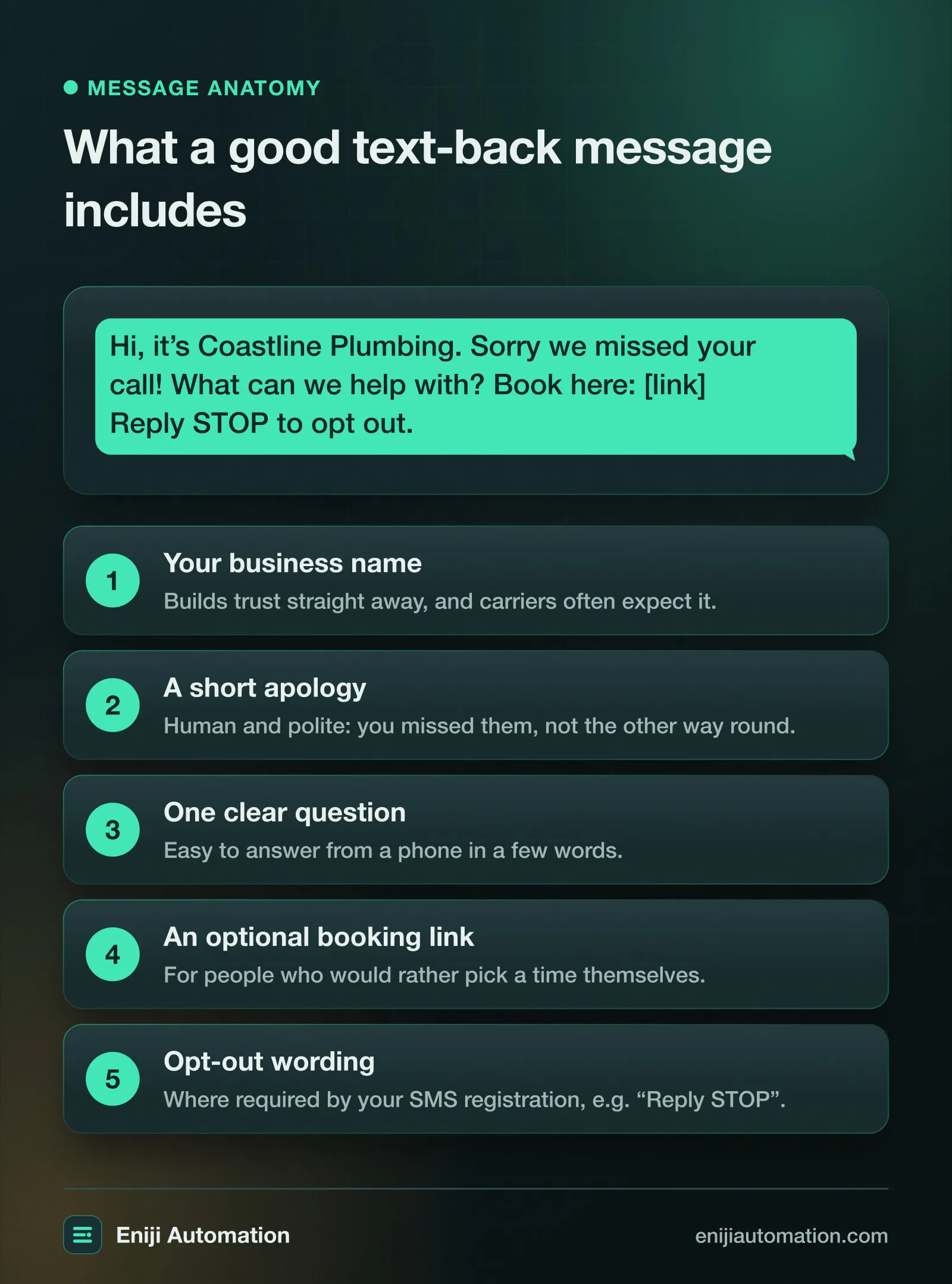
The five parts of a missed call text-back message that gets replies.
Good missed call texts are short, human and ask one question. Some examples you can adapt:
| Business type | Example message |
|---|---|
| Home services | “Hi, it’s Coastline Plumbing. Sorry we missed you, we’re on a job. What do you need help with? Reply here or book: [link]” |
| Clinic or med spa | “Hi, this is Glow Clinic. Sorry we couldn’t take your call. Would you like to book a consultation? Here are our times: [link]” |
| Real estate | “Hi, it’s Dana from Harbour Realty. Sorry I missed your call! Are you looking to buy, sell or rent?” |
Tips:
- Always include your business name. It builds trust and is often a carrier requirement.
- Ask one question. “How can we help?” or “Would you like to book?”
- Avoid links-only messages. A link with no context looks like spam.
- Include opt-out wording where required, such as “Reply STOP to opt out”, in line with your SMS registration.
What are the most common mistakes?
These are the issues I find most often when businesses ask me to fix a broken text-back:
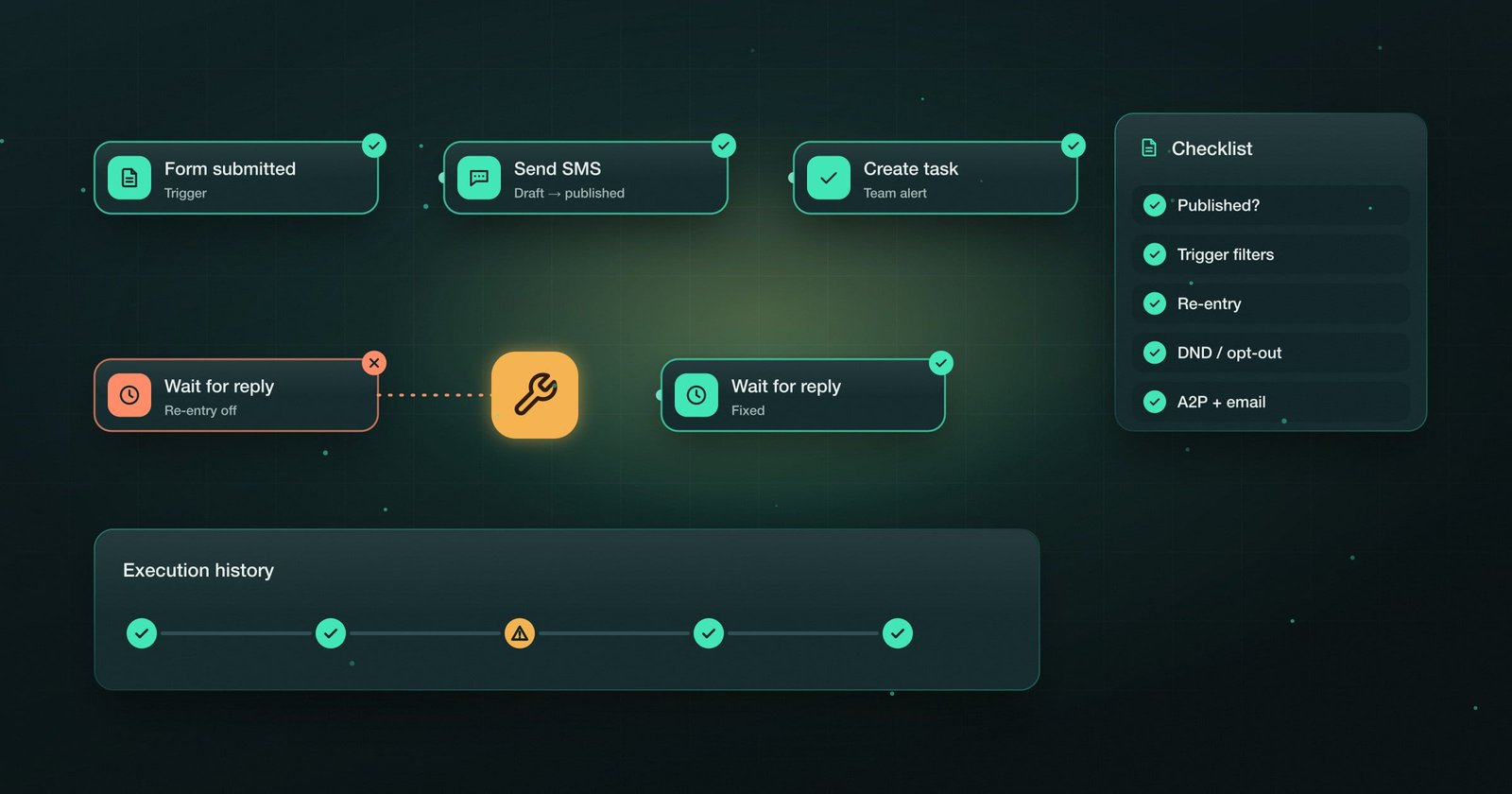
- The workflow is still in draft. It looks finished but was never published.
- The trigger includes outbound calls. Customers get a “sorry we missed you” text after you called them.
- No A2P registration. Texts send in GHL but never reach US phones.
- Calls bypass the GHL number. The website or Google listing still shows the old number, so GHL never sees the call.
- No re-entry rules. Repeat callers either get spammed or never get a text. Decide which you want.
- Nobody owns the replies. The text works, but replies sit unread in the conversations tab.
If your text-back isn’t firing, my guide to fixing GoHighLevel workflows that don’t trigger walks through the checks.
What should you add after text-back?
Once missed call text-back works, the next steps are:
- A short follow-up sequence for people who don’t reply, by SMS and email.
- Online booking so people can pick a time without a call.
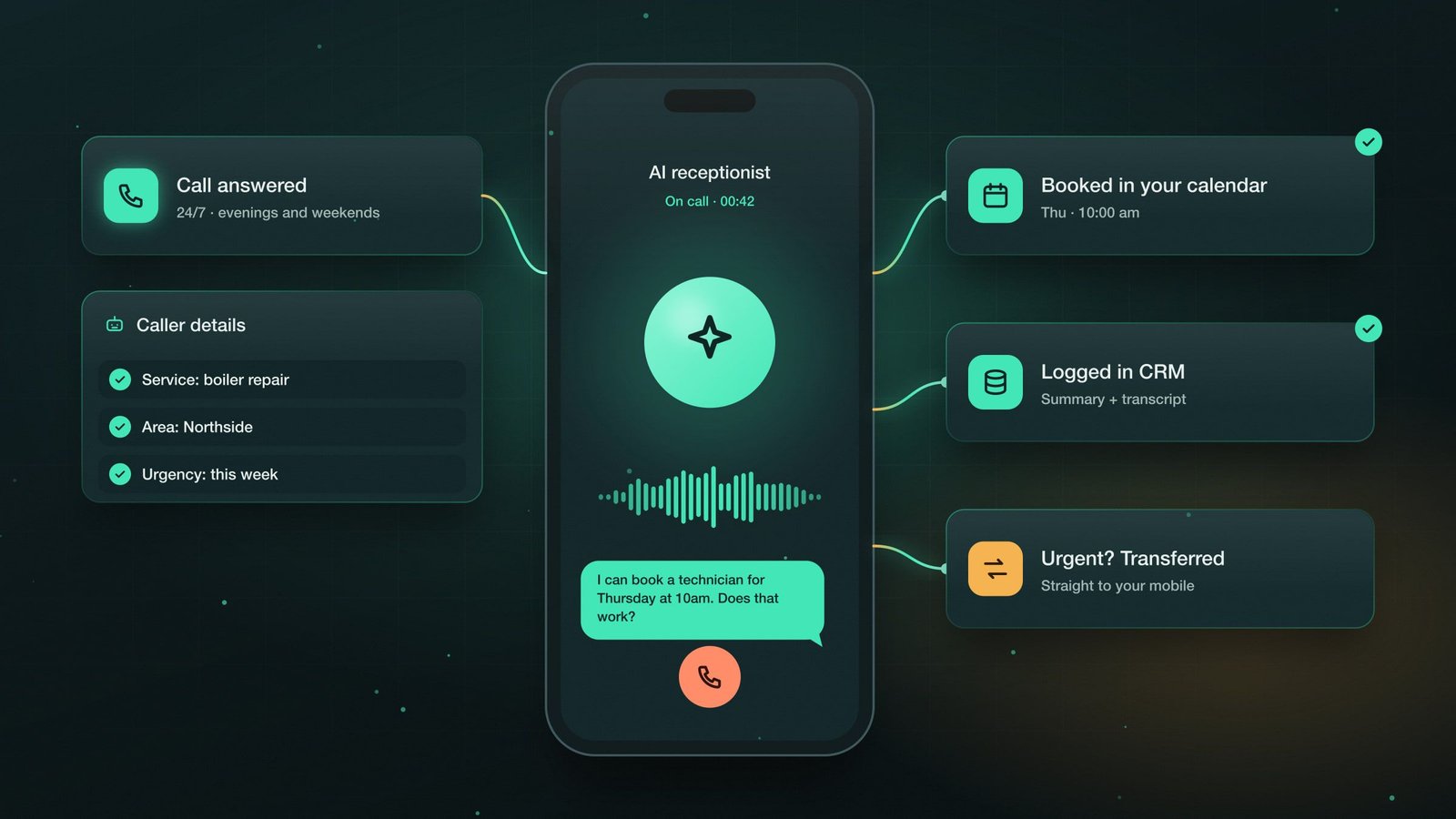
- An AI receptionist that answers calls 24/7, so fewer calls are missed at all. See what an AI receptionist can and can’t do.
- Review requests after the job is done.
Together these make up a simple lead-to-booking system: every inquiry gets a fast reply, a clear next step and a follow-up. That is exactly what our GoHighLevel CRM setup does for you, and it’s included in every plan.