AI receptionists
How Much Does an AI Receptionist Cost for an HVAC Company?
Short answer
An AI receptionist for an HVAC company usually costs a one-time setup fee plus a monthly fee that includes an allowance of call minutes, with extra minutes billed on top. With Eniji Automation, it starts at $1,500 setup and $297 a month plus minutes, or it's included in the Growth plan at $1,500 setup and $597 a month.
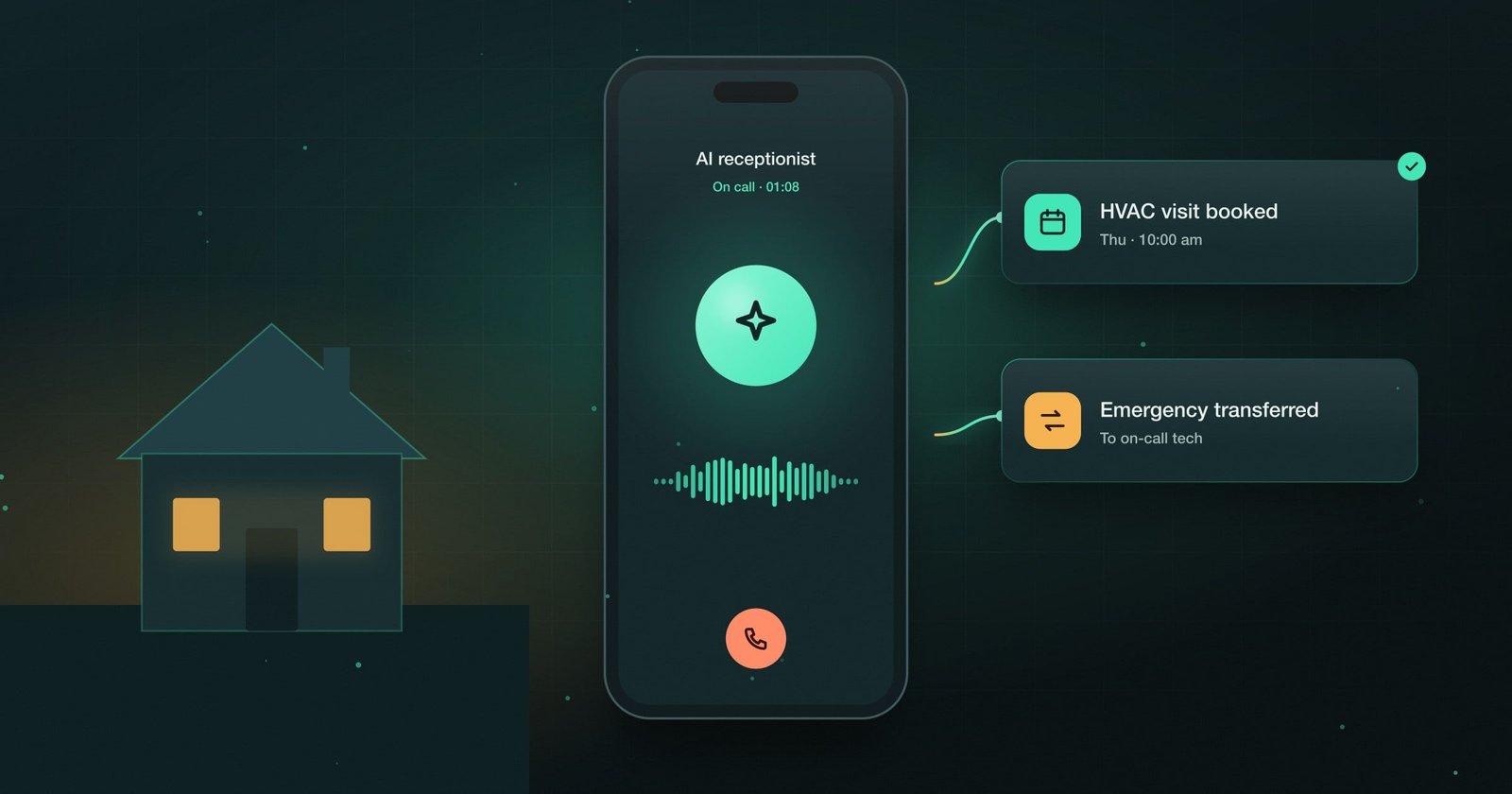
An AI receptionist answers your calls 24/7, books jobs into your calendar and sends emergencies to your on-call tech. If you run an HVAC company, the first question is usually: what does it cost?
Here’s an honest breakdown of what you’ll pay for, how to estimate it, and what to ask before you sign up with anyone, us included.
What are you actually paying for?
Almost every AI receptionist has three parts to its cost:
- A one-time setup fee. This covers building the agent for your business: the greeting, the questions it asks, your service area, the prices you’re happy to share, your emergency rules, and connecting it to your phone, calendar and CRM. Good setup is the difference between an AI that books jobs and one that annoys callers.
- A monthly fee. This covers the service itself, hosting, monitoring, updates when your services or prices change, and usually an allowance of call minutes.
- Usage above the allowance. Voice AI is billed by the minute. If you use more minutes than your plan includes, extra minutes are billed on top.
What does Eniji Automation charge?
Our prices are on our pricing page, and they’re the same for every HVAC company:
- AI receptionist on its own: from $1,500 setup and from $297 a month, plus call minutes.
- Growth plan (AI Front Desk): $1,500 setup and $597 a month. It includes the 24/7 AI voice receptionist, calendar booking, GoHighLevel CRM, missed-call text-back, web chat, review requests and one reactivation campaign a month, with a monthly minutes allowance.
- Pro plan: $2,500 setup and from $997 a month, adding custom links to your job software and invoicing, a reporting dashboard and a monthly review call.
Every plan has a 3-month minimum, then runs month to month.
How do you estimate your call minutes?
You don’t need exact numbers, just a rough idea:
- Decide which calls the AI will answer. All calls? Only after hours? Only overflow when the office is busy?
- Estimate how many of those calls you get per month. Your phone provider or call logs can tell you.
- Multiply by the average call length. Booking calls are usually short; emergency calls are shorter still, because they’re transferred.
Example (illustration only): if the AI answers 300 calls a month that last 3 minutes on average, that’s about 900 minutes. If it only handles after-hours and overflow calls, your number will be much lower.
Are there hidden costs?
Ask any provider about these before you sign:
- Phone number and calling costs. Is a number included? Can you keep your current number and forward calls?
- Text messaging registration. In the US, business texting needs A2P 10DLC registration. Read A2P 10DLC registration explained if you’re not sure what that is.
- The CRM. The AI needs somewhere to log calls and book jobs. Is the CRM included, or is it another subscription?
- Extra minutes. What’s the rate, and will you see your usage before the bill arrives?
- Changes. Is updating your prices, services or scripts included, or billed by the hour?
Does it pay for itself?
Only you can answer that, but the math is simple:
- How many calls do you miss each month? Check your call logs for unanswered and after-hours calls.
- How many of those would have turned into jobs? Be conservative.
- What’s your average job worth? A no-heat repair, a tune-up and a system replacement are worth very different amounts.
Multiply those together and compare the result with the monthly cost. If you don’t know how many calls you miss, a free call audit will show you: we call and message your business like a customer would, during the day and after hours.
What should you ask before you buy?
- Can I hear it answer a call for a business like mine?
- What happens when it can’t answer a question?
- How does it handle emergencies like no heat or a gas smell?
- Can it book directly into my calendar?
- Where do call recordings and summaries go, and who owns them?
- How long is the contract, and what does it take to cancel?
You can ask us all of these. Call our demo line or book a 15-minute demo and we’ll show you how an AI front office works for HVAC companies.