AI receptionists
AI Receptionists for Home Services: What They Can and Can't Do
Short answer
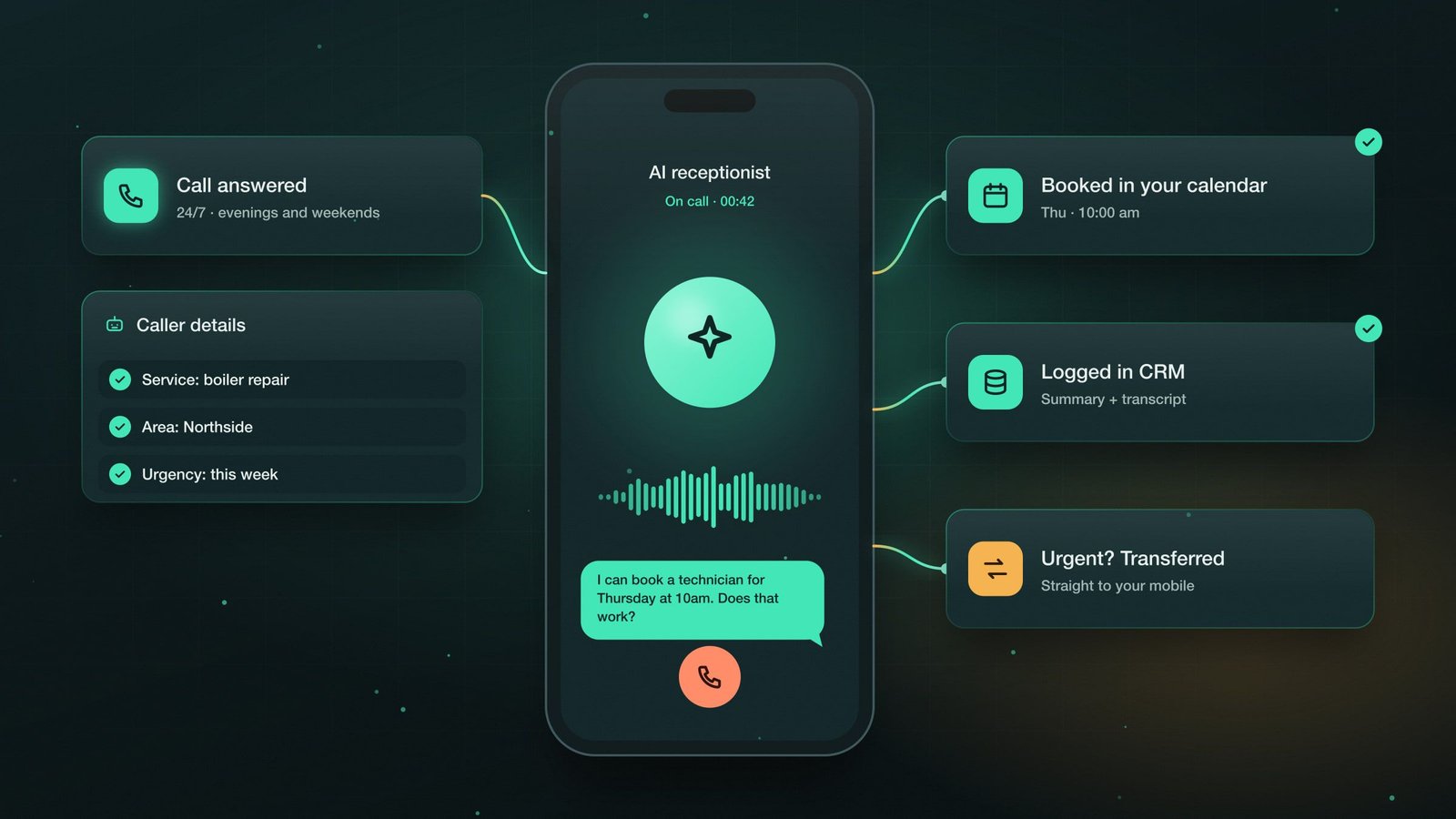
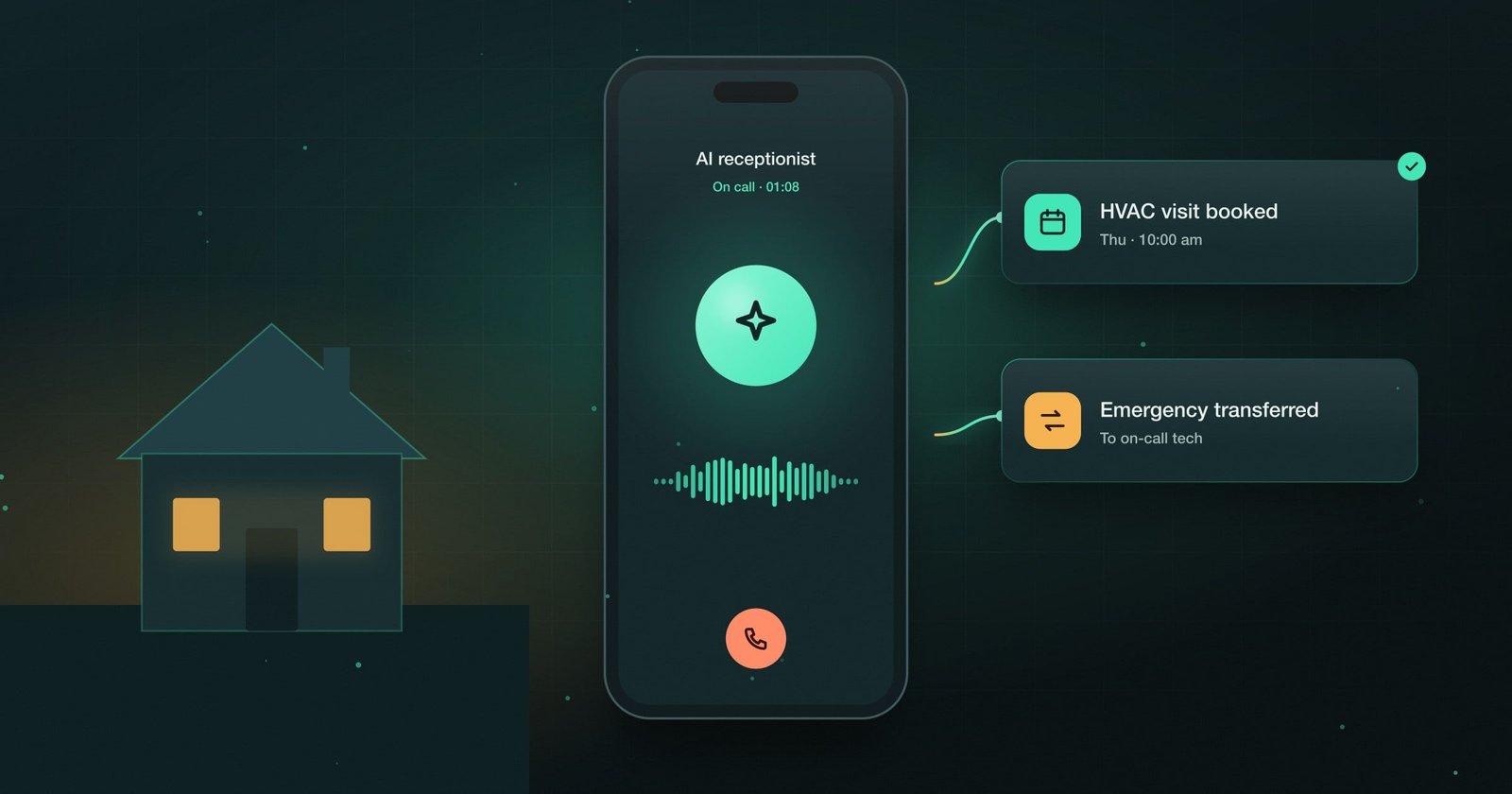
An AI receptionist is a voice agent that answers your business calls 24/7, asks qualifying questions, books appointments into your calendar and logs each call in your CRM. For HVAC, plumbing and roofing companies it handles routine calls well, but it should pass emergencies, complaints and complex quotes to a person. It works best alongside your team, not instead of it.
If you run an HVAC, plumbing or roofing company, you already know the problem. The phone rings when you’re on a roof, under a sink or driving between jobs. You can’t answer, and many callers won’t leave a message. They ring the next company.
An AI receptionist answers those calls for you. But it isn’t magic, and it isn’t right for every call. Here’s an honest look at what it can do, what it can’t, and how to set one up so it helps rather than annoys your customers.
What is an AI receptionist?
An AI receptionist is a voice agent: software that answers phone calls, understands what the caller says and replies in a natural voice. It’s built on a voice AI platform (I use Vapi and Retell), a phone number, and a large language model that follows a script and a knowledge base about your business.
A good setup connects the agent to:
- your calendar, so it can offer real available times and book jobs;
- your CRM (for example GoHighLevel), so every call is logged with a summary;
- your team’s phones, so urgent calls can be transferred to a person.
What can an AI receptionist do well?
For home service businesses, these are the jobs it handles reliably:
- Answer every call, day and night. Evenings, weekends and busy mornings included.
- Ask qualifying questions. Service needed, address or area, how urgent it is, best time for a visit.
- Book appointments. It checks your calendar and books a slot, then sends a confirmation.
- Answer common questions. Service areas, opening hours, whether you do free quotes, what brands you service.
- Log everything. Caller details, a short summary and the recording or transcript go into your CRM.
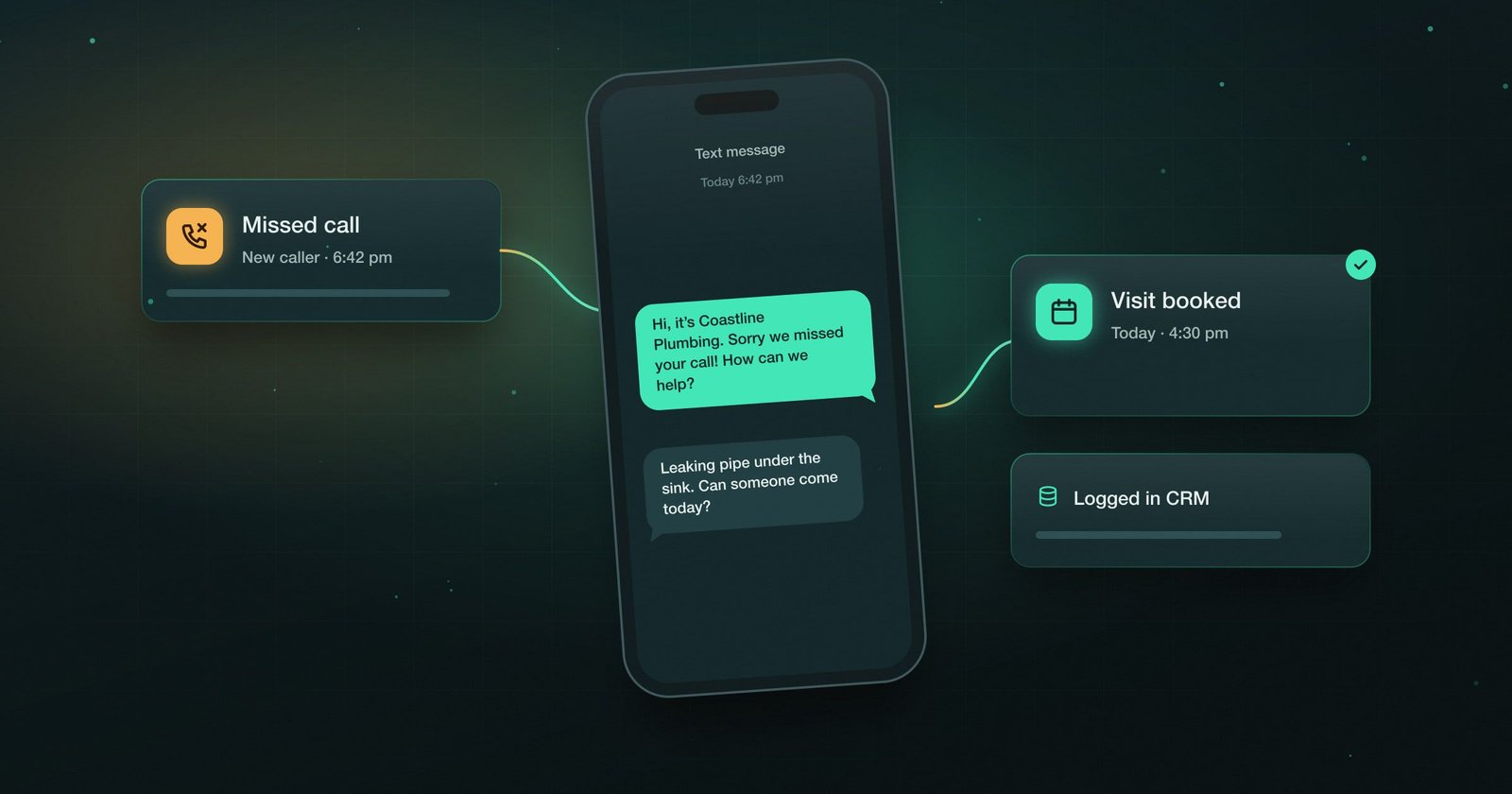
- Text the caller. A confirmation, a booking link, or a “we’ll call you back” message.
What can’t it do (or shouldn’t)?
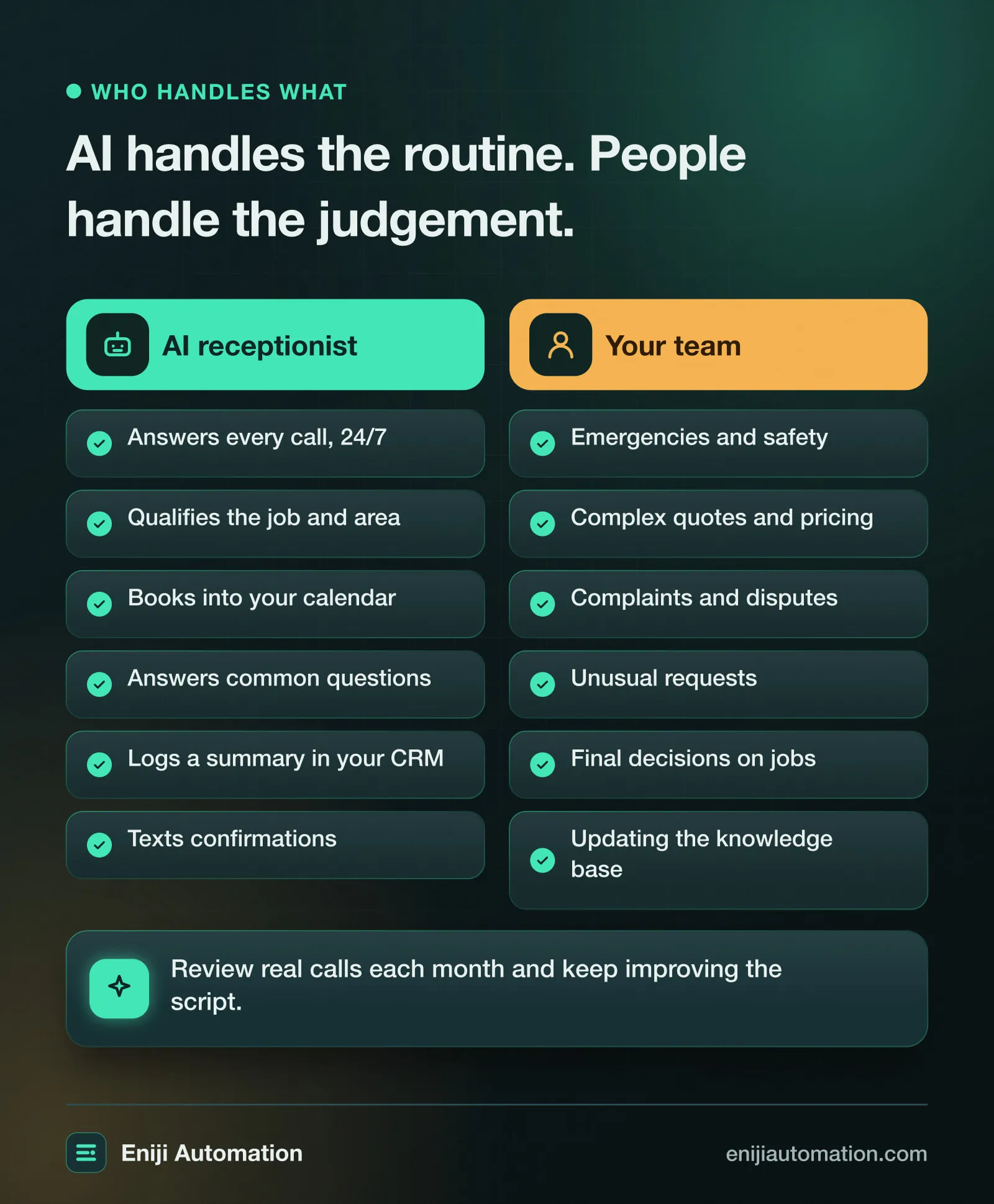
A clear split between what the AI does and what your team keeps.
Being clear about limits is what makes an AI receptionist work:
- It shouldn’t diagnose problems or give safety advice. “Smell gas? Leave the house and call the gas emergency line” is guidance your script can include, but the agent shouldn’t troubleshoot.
- It shouldn’t quote complex jobs. It can explain how quotes work and book a site visit. Pricing a roof replacement needs a person.
- It struggles with very unusual requests. Anything outside its knowledge base should be handed to your team.
- Angry customers want a human. Complaints and disputes should be transferred or passed on with a callback promise.
- It depends on good information. If your hours, areas or services change and nobody updates the knowledge base, it will give old answers.
The rule I use: AI handles the routine, people handle the judgement.
How does it handle emergencies?
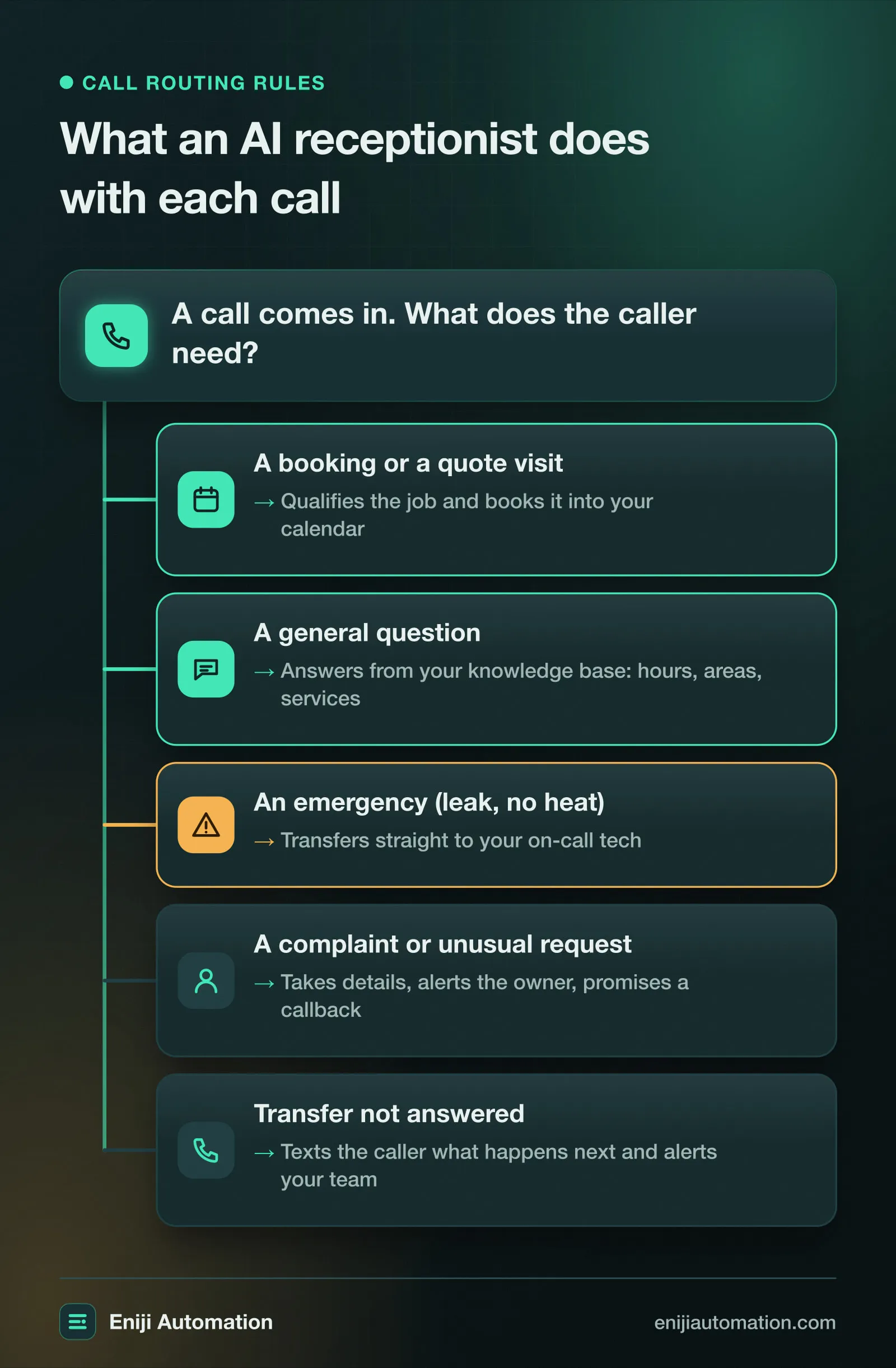
Simple rules decide what the AI handles and what goes straight to a person.
You agree simple rules up front. For example:
| Caller says | Agent action |
|---|---|
| “Water is pouring through my ceiling” | Treat as urgent, transfer to on-call tech |
| “No heat and it’s freezing” | Urgent, transfer or priority callback |
| “I’d like a quote for a new boiler” | Qualify and book a site visit |
| “When are you open on Saturday?” | Answer from the knowledge base |
| “I’m unhappy with last week’s job” | Take details, alert the owner, promise a callback |
If the transfer isn’t answered, the agent takes the details, sends an alert to your team and texts the caller so they know what happens next.
What does it cost?
There are two parts:
- Setup. Writing the call flow and script, building the knowledge base, connecting the calendar and CRM, and testing. This is a one-off project.
- Running costs. Voice platforms, phone carriers and AI model providers charge per minute of calls. Most providers bundle these into a monthly fee with an allowance of minutes, plus monitoring and script tuning. Ours are on the pricing page: the AI receptionist is included in the Growth and Pro plans.
For comparison, think about what a missed job is worth to you, and how many calls currently go unanswered. That’s the real question, not the cost per minute.
How do you set one up properly?
The process I follow:
- Discovery. We list the call types you get and decide what the agent should handle, transfer or pass on.
- Call flow and script. A simple map of the conversation, written in your tone of voice.
- Knowledge base. Services, areas, hours, pricing rules, FAQs.
- Connections. Calendar booking, CRM logging, SMS confirmations and urgent transfers.
- Testing. We call it ourselves, many times, with real scenarios, and fix anything awkward.
- Go live and tune. We review real calls each month and improve the script.
Most setups also include missed-call text-back as a fallback, which I explain in missed call text-back in GoHighLevel.
Is an AI receptionist right for your business?
It’s a good fit if:
- you miss calls regularly because you’re on jobs;
- many calls are routine (bookings, quotes, hours, areas);
- you already have, or are ready for, a calendar and CRM.
It’s less useful if most of your calls are long technical conversations, or you already have a receptionist answering every call during the hours your customers ring.
If you’re not sure, a 15-minute demo is enough to tell. See also how the AI front office works for home-service companies and the AI receptionist itself.