Industry guides
Speed-to-Lead for Real Estate: Reply to Leads in Minutes
Short answer
Speed-to-lead means replying to a new lead within minutes, while they're still looking. For real estate, a simple system does four things automatically: captures every lead in one CRM, sends a personal-sounding text within seconds, asks a few qualifying questions (often with AI), and alerts the right agent for hot leads, while long-term leads get a helpful nurture sequence.
I run my own property and lending businesses, so I see this from both sides: as someone generating leads, and as someone who’s been on the other end of slow replies. In real estate, the agent who replies first and helpfully often wins the conversation. Not always the best agent, the fastest one.
This guide shows how to build a simple speed-to-lead system that replies in minutes, even when you’re at a viewing.
What is speed-to-lead?
Speed-to-lead is the time between a lead inquiring and your first meaningful reply. A short speed-to-lead means you reach people while they’re still on their phone, still thinking about the property and still open to a conversation.
Long delays usually mean the lead has already spoken to another agent, lost interest, or forgotten they inquired.
Why do real estate leads go cold so fast?
- People inquire with several agents at once, especially on portals.
- Inquiries happen in the evening and at weekends, when agents are busy or off.
- Leads arrive from too many places: portals, Facebook ads, your website, Instagram DMs, sign calls.
- Agents prioritize viewings and closings, so new inquiries wait.
None of this is a people problem. It’s a system problem.
What does a speed-to-lead system include?
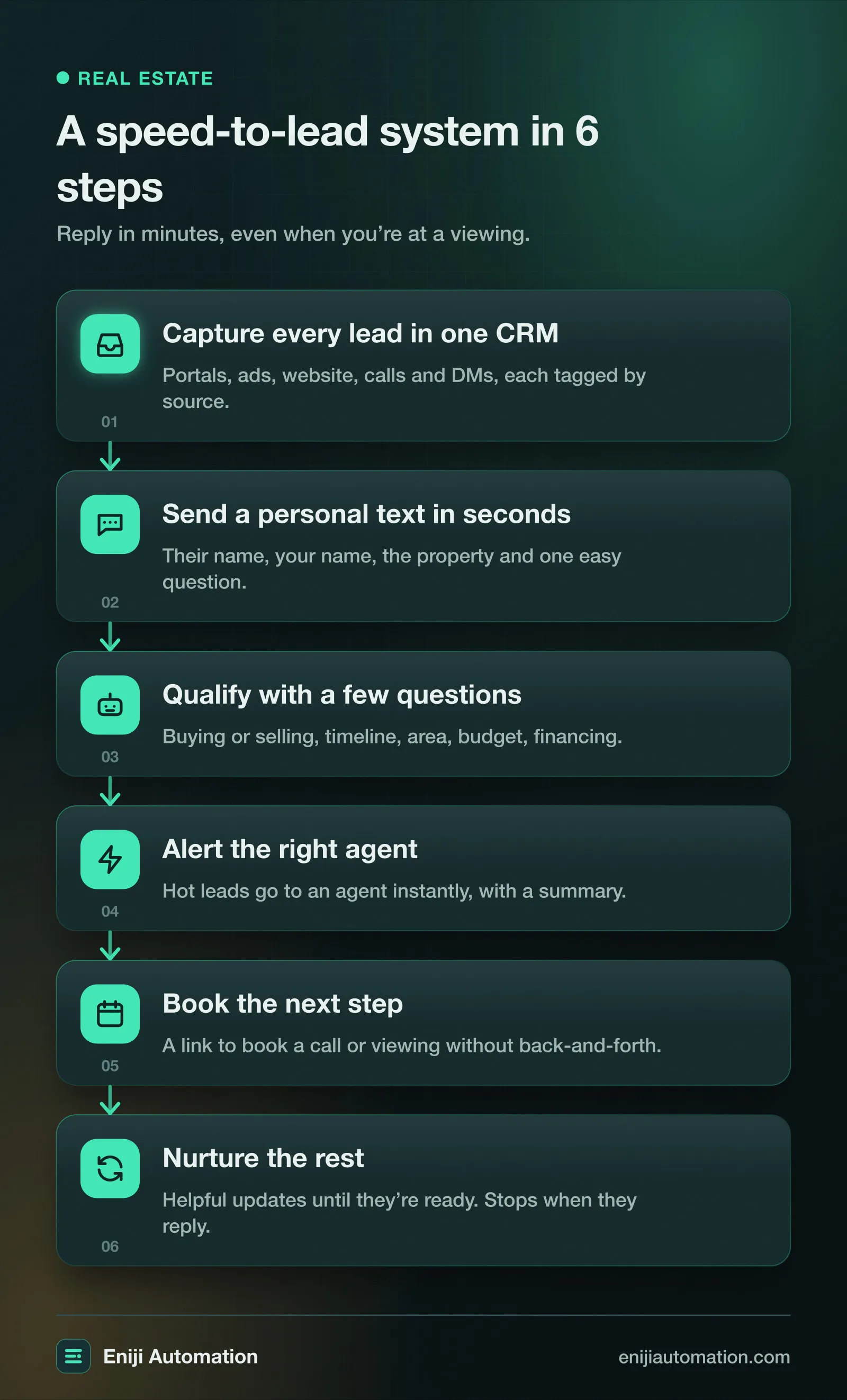
The six parts of a real estate speed-to-lead system.
Here’s the setup I use, usually built in GoHighLevel with n8n for anything custom.
1. Capture every lead in one place
Every source sends leads into one CRM pipeline:
- website and landing page forms;
- portal leads (by email parsing or webhook);
- Facebook and Instagram lead ads;
- calls and missed calls on your tracking number;
- chat widgets and DMs.
Each lead is tagged with its source, so you know what’s working.
2. Send an instant, personal text
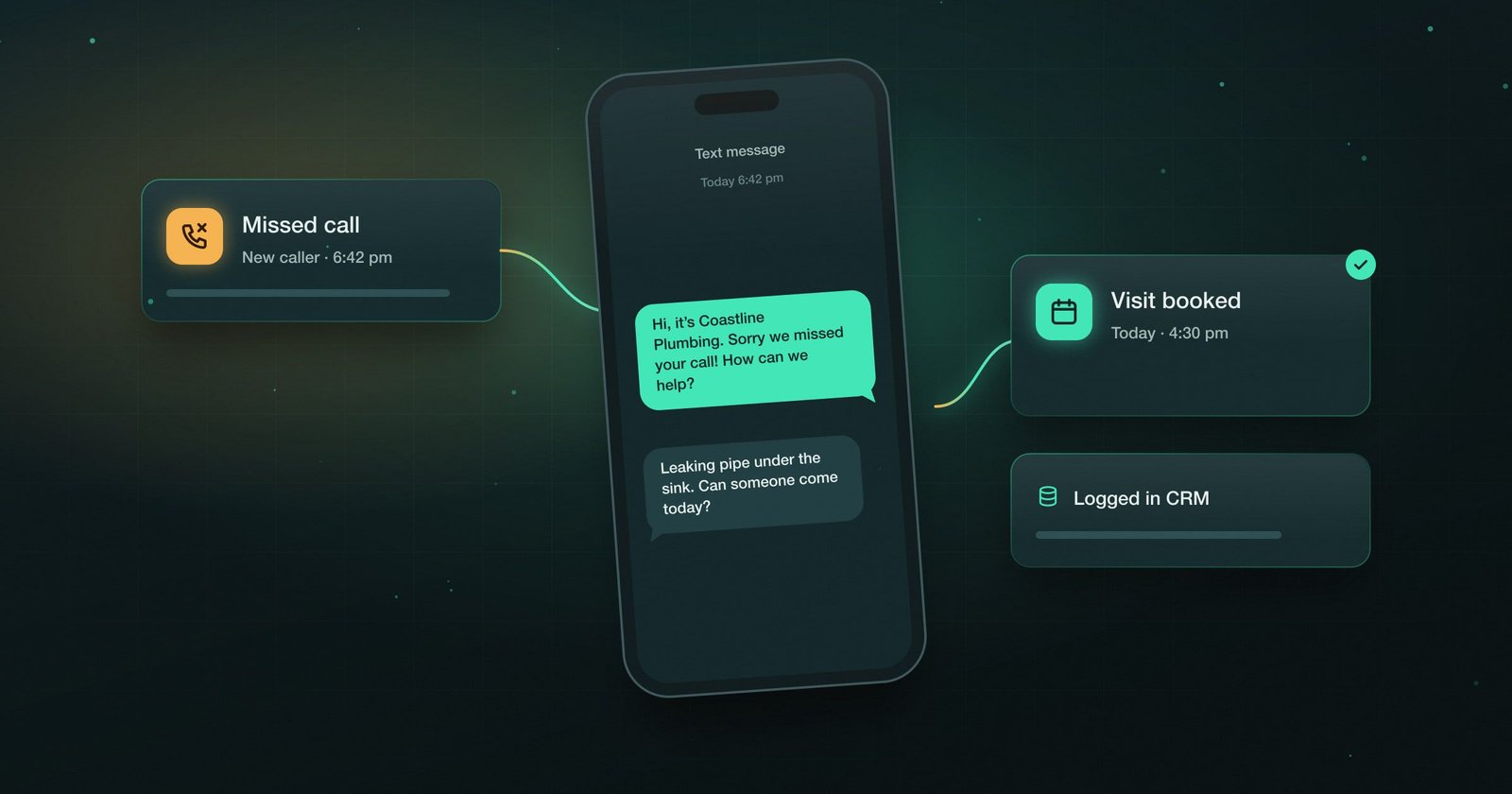
Within seconds, the lead gets something like:
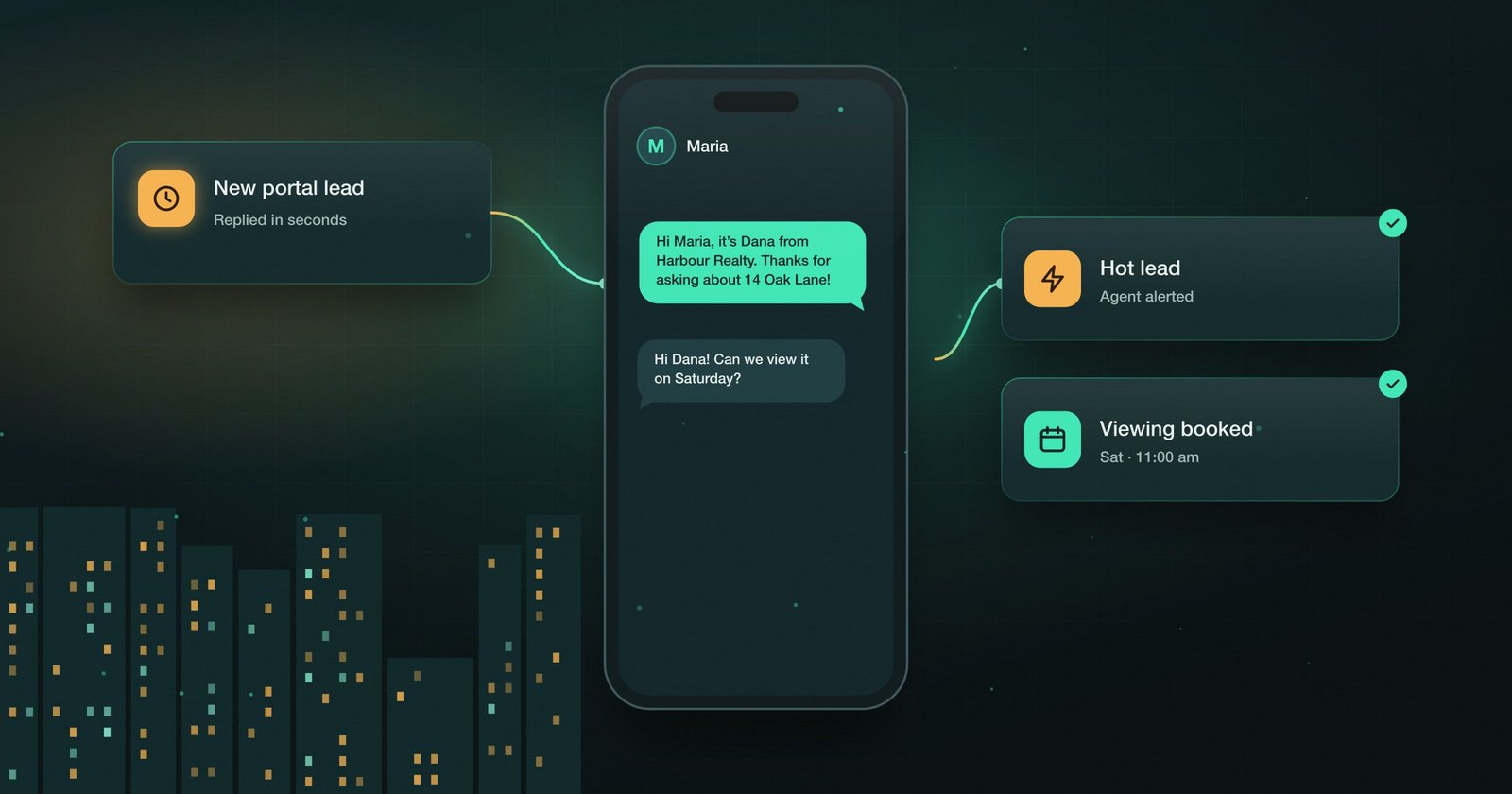
“Hi Maria, it’s Dana from Harbour Realty. Thanks for asking about 14 Oak Lane! Are you looking to view it, or is it more of a first look at the area?”
It uses their name, the agent’s name and the property. It asks one easy question. An email version goes out too.
3. Qualify with a few questions (AI optional)
When the lead replies, an AI lead qualifier can continue the conversation with a few short questions:
- Buying, selling or renting?
- Timeline: now, 1–3 months, later?
- Area and budget range?
- Do they need financing, or have a property to sell first?
The answers and a short summary are saved to the CRM. Rules then decide whether the lead is hot, warm or nurture.
4. Alert the right agent for hot leads
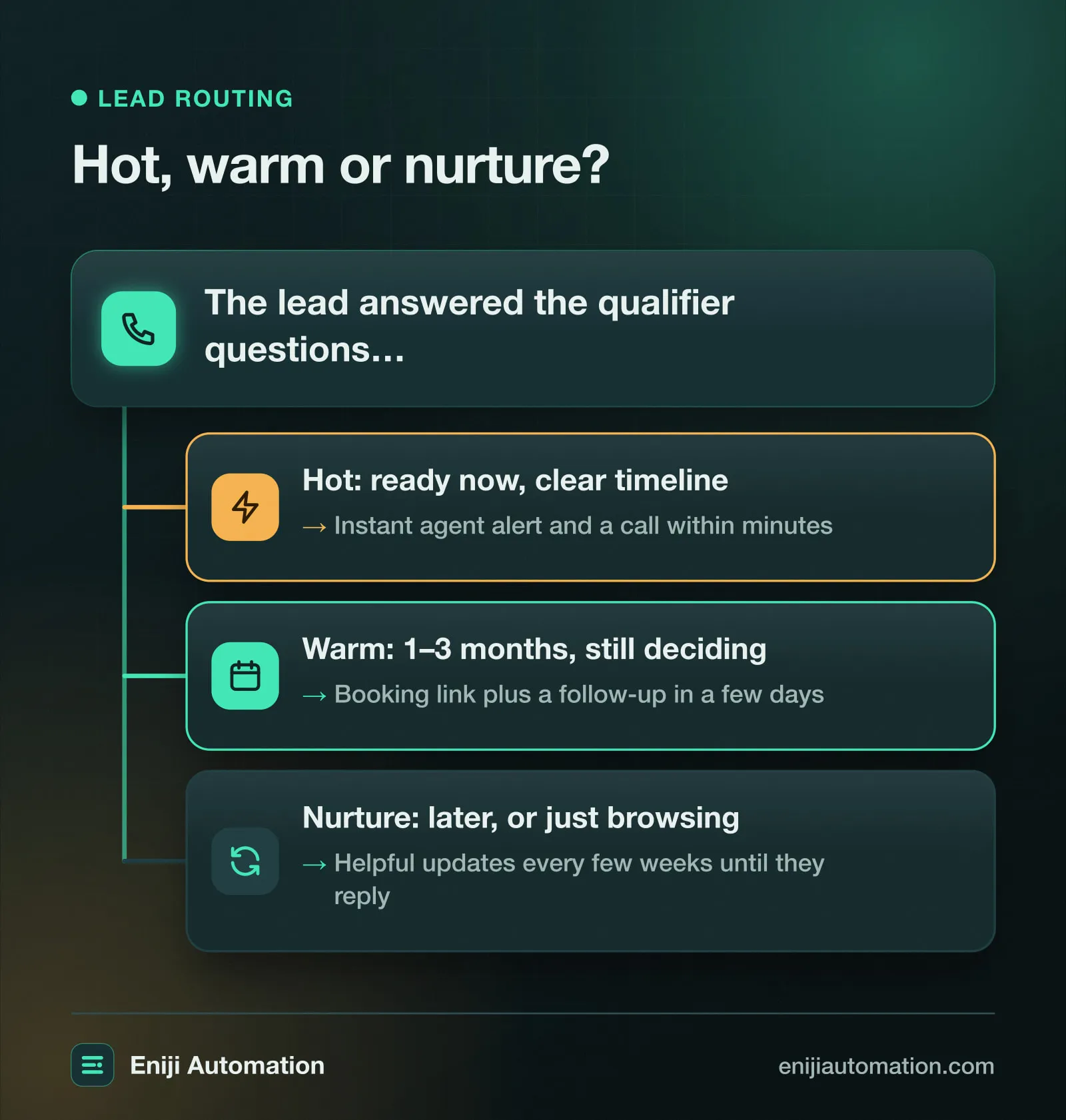
Simple rules route each lead to the right next step.
Hot leads trigger an instant alert by SMS, app notification or Slack, with the summary and a one-tap call button. If nobody claims the lead within a set time, it goes to the next agent or the team lead.
5. Book the next step
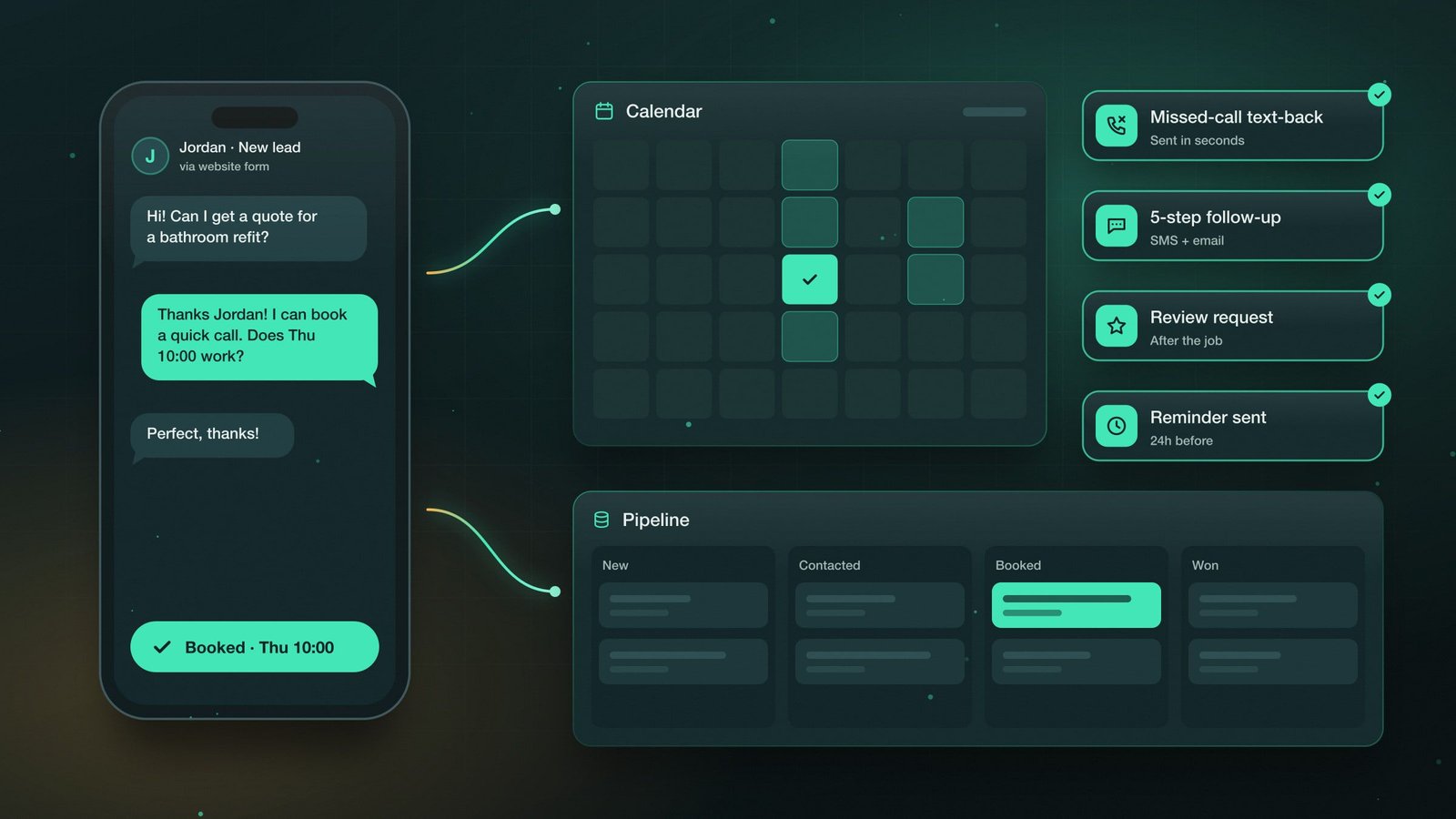
Wherever possible, offer a booking link for a call or viewing, so the lead can choose a time without back-and-forth.
6. Nurture leads who aren’t ready
Most leads aren’t ready to act this week. Put them in a gentle nurture sequence:
- a helpful message after a few days;
- new listings or market updates matching their area every few weeks;
- a “still looking?” check-in after a couple of months.
The sequence stops automatically when they reply or book.
Which messages work best?
Some principles that consistently help:
| Do | Avoid |
|---|---|
| Use the lead’s name and the property | Generic “Thanks for your inquiry” |
| Ask one simple question | Long paragraphs with five questions |
| Sound like a person | Capitals, emojis everywhere, hype |
| Give an easy next step | Links without context |
| Respect quiet hours and opt-outs | Texting at midnight |
For US numbers, make sure your texting is registered first. See A2P 10DLC registration explained.
How do you measure if it’s working?
Track a few simple numbers in your CRM:
- Time to first reply. It should drop from hours to minutes.
- Reply rate to the first text.
- Appointments booked per lead source.
- Leads that went cold without any reply from you. This should be close to zero.
Measure your own baseline before you start, then compare after a month. Your numbers will tell you more than any industry average.
Want this set up for you?
Lead capture, speed-to-lead texts and nurture campaigns are part of our GoHighLevel CRM setup, and an AI chat agent can qualify leads around the clock. For AI scoring and custom integrations, see n8n custom automation, or read GoHighLevel vs n8n to see which tools you need.